.svg)
.svg)
.svg)




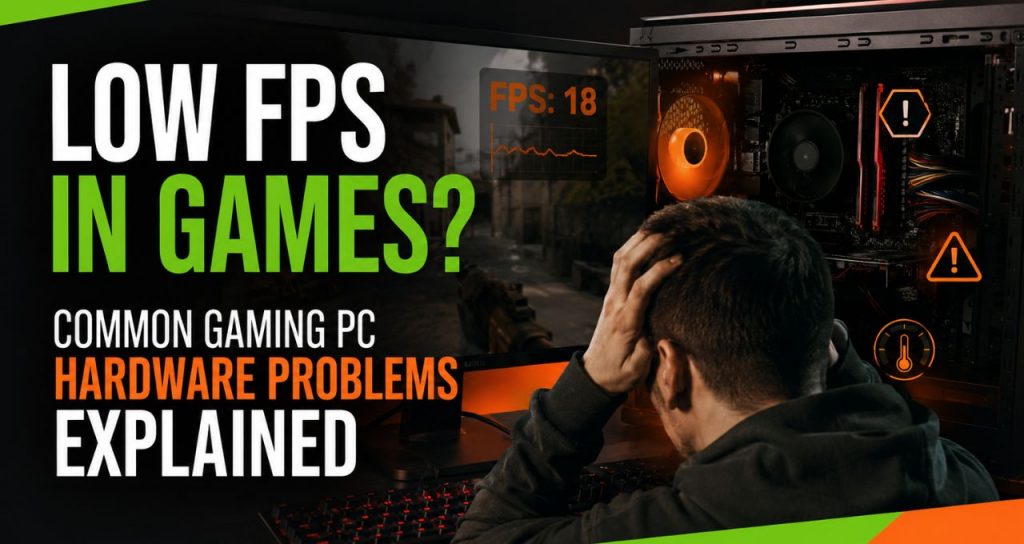
Low FPS in Games? Common Gaming PC Hardware Problems Explained
You open your favorite game, ready to play. But instead of a smooth game, everything is laggy, choppy, and slow. Many users wonder why their expensive computer is suddenly running so badly, even when their internet is completely fine.
When your frames-per-second (FPS) drop, it is easy to blame a game update. But if your settings look right and the game is still lagging, the problem is likely inside your computer case. To fix a slow computer, you need to understand how your hardware parts work together when you are gaming.
1. The Main Issue: Is It a CPU or GPU Bottleneck?
To fix low FPS, you need to know how your graphics card (GPU) and your main processor (CPU) talk to each other. A bottleneck happens when one part is too slow and holds back the other part. This stops your whole computer from running at its best.
- GPU Bottlenecks: Your graphics card handles the visuals, like textures and lighting. If your GPU is working at 99% but your game is still slow, your graphics card is working as hard as it can. This happens a lot when you try to play brand-new games on high settings with an older card.
- CPU Bottlenecks: Your CPU handles the game’s physics, computer characters, and sound. It also tells the GPU what to do. If your CPU is at 100% load but your GPU is sitting empty, the processor cannot feed data fast enough. This causes sudden frame drops and annoying stutters.
2. Hidden Hardware Problems Dropping Your FPS
Many online blogs only tell you to change your software settings. However, professional computer repair services often find physical hardware problems that cause your game performance to drop.
- Too Much Heat and Dust: Modern gaming PCs slow themselves down on purpose if they get too hot. This is called thermal throttling. Dusty fans, blocked vents, and old thermal paste make your CPU and GPU drop their speeds to protect themselves. This causes your game to lag suddenly.
- Failing Storage Drives: Modern games constantly load huge files while you play. If your hard drive or SSD is dying or completely full, your system will stutter while it waits for parts of the game to load.
- Power Supply Problems: Your power supply (PSU) gives electricity to your computer. If it cannot give enough steady power when your graphics card is working hard, your components will slow down or your PC might crash completely.
3. How to Choose the Right Repair Shop in Houston
If cleaning out the dust and updating your drivers does not fix your FPS, you need professional gaming PC repair services. The best option depends on finding a shop that has the right tools to test your parts.
When you are looking for computer repair Houston gamers trust, look for a shop that gives clear, honest pricing before they start working. Make sure they have technicians who understand high-end gaming computers, not just basic office laptops. A good shop will have special test benches to find out exactly which part is failing.
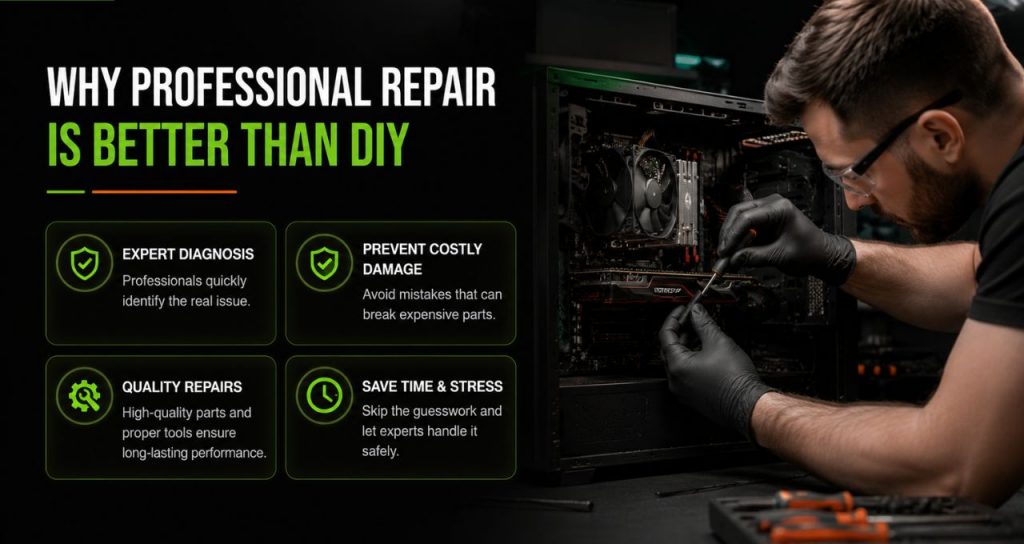
4. Why Professional Repair Is Better Than DIY
Trying to fix complex computer parts by yourself can be risky. One small mistake or static shock can break a part and cost you a lot of money in replacements.
Did You Know? Studies show that over 70% of long-term computer speed problems are caused by broken hardware, not software bugs.
Paying for expert testing and computer laptop repair nearby gives you a much better chance of fixing the problem safely. Professional techs protect your expensive parts, keep your saved games safe, and save you from hours of stressful guesswork.
5. Extra Services to Look For
A great repair shop does more than just replace a broken fan. When your computer slows down, look for a business that offers full services, including:
- Deep Testing and Stress Tests: Running heavy tests to find hidden hardware faults.
- Heat Management: Deep cleaning out all dust, replacing bad fans, and putting on fresh, high-quality thermal paste.
- Hardware Upgrades: Putting in more RAM, a faster graphics card, or moving your system to a fast NVMe SSD.
- Safe Data Recovery: If your hard drive is dying and you are worried about losing your saved games, clips, or photos, Houston data recovery specialists can save your files before replacing the drive.
Whether you need a full desktop fix or specialized macbook repair midtown houston services for work, using a true specialist keeps your computer running fast.
Read our blog:
- Houston, TX Gaming PC Services: Upgrade, Repair & Optimization for Maximum Performance
- Laptop Screen Repair Houston: How to Prevent Screen Damage
- Computer Repair Services in Houston | Fast & Reliable Repairs
Get Your Game Running Smoothly Again
Do not let overheating or old parts ruin your gaming time. If your computer is lagging, freezing, or slow, our team of certified technicians at We Fix PC Laptop is ready to help. As a top rated pc repair near downtown Houston, we offer fast testing, quick repairs, and easy upgrades to get your computer running perfectly.
Contact We Fix PC Laptop today or check out our Laptop Screen Repair Services page to book a professional check-up for your gaming computer!
Frequently Asked Questions
The price depends entirely on what is broken. Cleaning out dust and changing thermal paste is very affordable. Replacing broken parts depends on the price of the new hardware. A reliable shop will always give you a clear price after testing.
Yes. If your motherboard or graphics card breaks, your files are still safe on your hard drive or SSD. Even if the drive itself is dying, trusted data recovery experts in Houston can usually get your files back using special tools.
This usually happens because the PC is overheating, too many apps are running in the background, or one old part is slowing down a newer, faster part (a bottleneck).
If your computer is less than four or five years old, repairing it or upgrading single parts (like adding RAM or a new GPU) is much cheaper. If your whole computer is very old, buying a new one might be better.
- How to Prevent Laptop Overheating: Expert Guide 2026
- Why Is My Laptop Suddenly Running Slow? 12 Problems a Computer Repair Technician Can Fix
- How to Protect Personal Data Before Sending a PC for Repair
- How Business Laptop Repair Minimizes Workplace Downtime
- Signs Your CPU May Be Failing and When to Seek Repair
- Laptop Battery Draining Fast? Causes and Repair Options
- Why Your Computer Won’t Start: Common Boot Errors Explained