.svg)
.svg)
.svg)




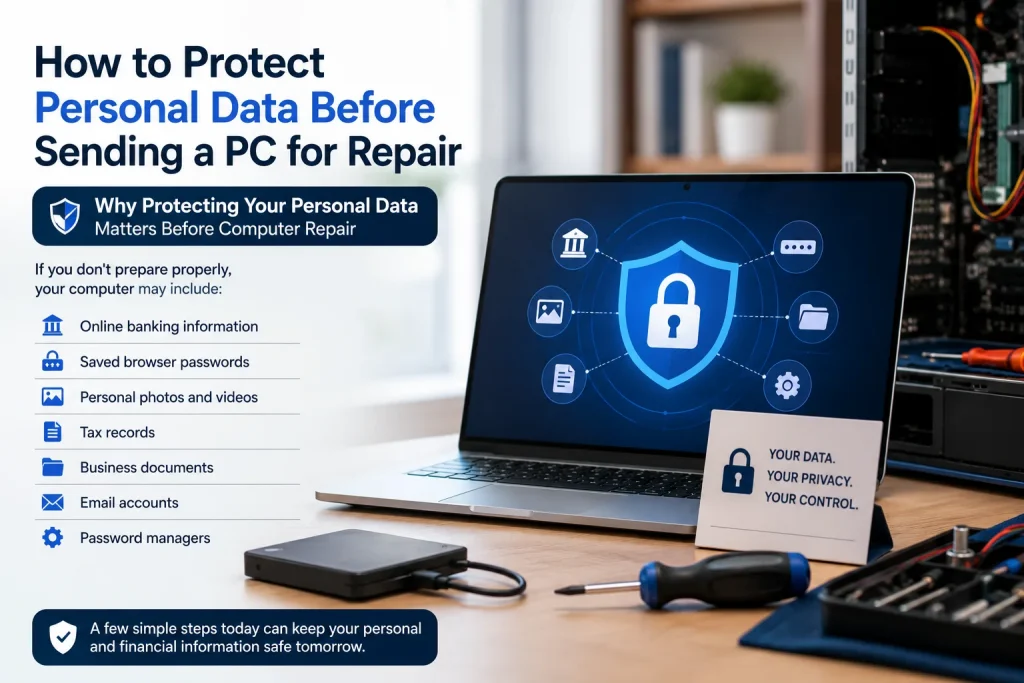
How to Protect Personal Data Before Sending a PC for Repair
Protecting your personal information should be your first priority when your computer requires maintenance. Your device may contain important data that has to be carefully protected, whether you’re going to a computer repair Houston, Texas company for a hardware problem or software debugging. Before turning over your computer, take a few easy steps to lower the possibility of unwanted access and guarantee a successful repair.
Protecting your personal information should be your first priority when your computer requires maintenance.
Why Protecting Your Personal Data Matters Before Computer Repair
A common misconception is that repair specialists solely deal with broken hardware. In actuality, you might need restricted access to your device in order to diagnose software problems, boot difficulties, or operating system issues.
If you don’t prepare properly, your computer may include:
- Online banking information
- Saved browser passwords
- Personal photos and videos
- Tax records
- Business documents
- Email accounts
- Password managers
Proactive data protection is more crucial than ever as data breaches continue to affect millions of people annually, according to the Identity Theft Resource Center. Similarly, Backblaze’s industry research reveals that a lot of users still don’t keep frequent backups, which raises the possibility of irreversible data loss.
Before turning over your computer, consider if you would be okay with someone unintentionally looking through your data today.
Back Up Your Important Files Before Any Repair
Assuming that unforeseen issues may arise during repairs is the safest course of action. Even while skilled technicians take great care, data restoration from a backup may occasionally be necessary due to hardware malfunctions or operating system reinstallations.
Consider using:
- Cloud storage (OneDrive, Google Drive, iCloud)
- External hard drives or SSDs
- Windows Backup
- Mac Time Machine
Most essential, before leaving your machine for laptop or computer repair services, be sure your backup truly functions.
Secure or Remove Sensitive Information
A common mistake is leaving confidential files easily accessible.
Before visiting a computer repair shop near me, consider:
- Moving financial documents to encrypted storage
- Removing highly sensitive business files
- Encrypting private folders
- Deleting temporary confidential downloads
- Disconnecting external storage devices
Further peace of mind can be obtained by temporarily keeping some files somewhere else if they are not needed for diagnosis.
Sign Out of Accounts and Disable Automatic Login
Even trusted technicians rarely need access to your personal online accounts.
Before your appointment:
- Sign out of your Microsoft account
- Log out of your Google account
- Sign out of Apple ID (if applicable)
- Remove saved browser passwords
- Disable browser synchronization
- Log out of email and social media accounts
These easy actions minimize needless exposure while strengthening data protection prior to computer repair.
Create a Temporary User Account
Experienced technicians advise creating a distinct normal user account just for repairs.
A temporary account:
- Limits access to personal files
- Prevents accidental changes
- Allows technicians to perform diagnostics safely
- Reduces privacy concerns
Unless they are expressly required for advanced diagnostics, a computer repair expert near me usually doesn’t need full administrator access.

Choose a Privacy-Focused Repair Service
Not all repair providers follow the same privacy standards.
When searching for trusted computer repair in Houston, look for businesses that offer:
- Positive customer reviews
- Written repair estimates
- Clear privacy policies
- Repair warranties
- Transparent data handling practices
- Certified technicians
If you’re searching for personal computer repair near me, professional PC repair Houston, or reliable laptop repair Houston, don’t hesitate to ask how customer data is protected throughout the repair process.
At We Fix PC Laptop, secure repair procedures and customer privacy are treated as essential parts of every service, not optional extras.
Pre-Repair Privacy Checklist
- Back up important files
- Remove or encrypt sensitive documents
- Sign out of online accounts
- Disable password autofill
- Disconnect external drives
- Create a temporary user account
- Photograph your device’s physical condition
- Remove unnecessary confidential files
Questions to Ask Your Repair Technician
Before leaving your device, consider asking:
- Will my personal files remain private?
- Do technicians access customer files during repairs?
- Is there a confidentiality policy?
- Do you offer data recovery if needed?
- Will my hard drive ever be wiped without approval?
Clear answers help you choose privacy-focused computer repair professionals you can trust.
Frequently Asked Questions
Should I remove my files before computer repair?
If possible, back them up first and remove or encrypt highly sensitive files that aren’t needed for diagnostics.
Can repair technicians access my personal files?
They may require limited access depending on the issue, which is why backing up data and using a temporary account is recommended.
Is it safe to leave passwords on my computer?
No. Signing out of accounts and disabling saved passwords helps protect your personal information.
How long does laptop repair usually take?
Most common laptop repair jobs are completed within one to three business days, depending on parts availability and the complexity of the repair.
How do I choose trusted computer repair services in Houston?
Look for experienced technicians, positive reviews, clear warranties, transparent pricing, and strong privacy practices before selecting computer repair services.
Final Thoughts
Just as crucial as fixing your computer is safeguarding your sensitive data. You may reduce privacy concerns and guarantee a seamless repair process by backing up your information, protecting sensitive data, logging out of accounts, and selecting a trustworthy computer repair Houston, Texas company.
If you’re looking for secure, professional pc and laptop repair from experienced Houston computer repair experts, contact We Fix PC Laptop for reliable diagnostics, transparent service, and customer-focused data protection every step of the way.
- Laptop Repair Near Me: How to Know When Your Laptop Needs Professional Repair
- Where Can I Get My Computer or Laptop Fixed Near Me? A Complete Guide to Finding the Right Repair Service
- How to Prevent Laptop Overheating: Expert Guide 2026
- How to Fix an Overheating Laptop: A Complete Repair Guide
- How to Fix a Water Damaged Laptop: Expert Tips
- Computer Repair Near Me vs. DIY Repairs: Which One Is Safer for Your Data and Hardware?
- Can a Broken Laptop Screen Be Repaired? Everything You Need to Know Before Replacing Your Device