.svg)
.svg)
.svg)




Signs Your CPU May Be Failing and When to Seek Repair
Is your computer suddenly freezing in the middle of an important project, or refusing to turn on at all? When your system acts up, identifying the root cause can be frustrating. Choosing the right computer repair service in Houston comes down to expertise, speed, transparency, and trust, especially when dealing with a component as vital as your Central Processing Unit (CPU).
As the brain of your computer, a failing CPU can mimic issues caused by bad RAM or a dying hard drive. Recognizing the true warning signs early can save you from catastrophic hardware failure and permanent data loss.
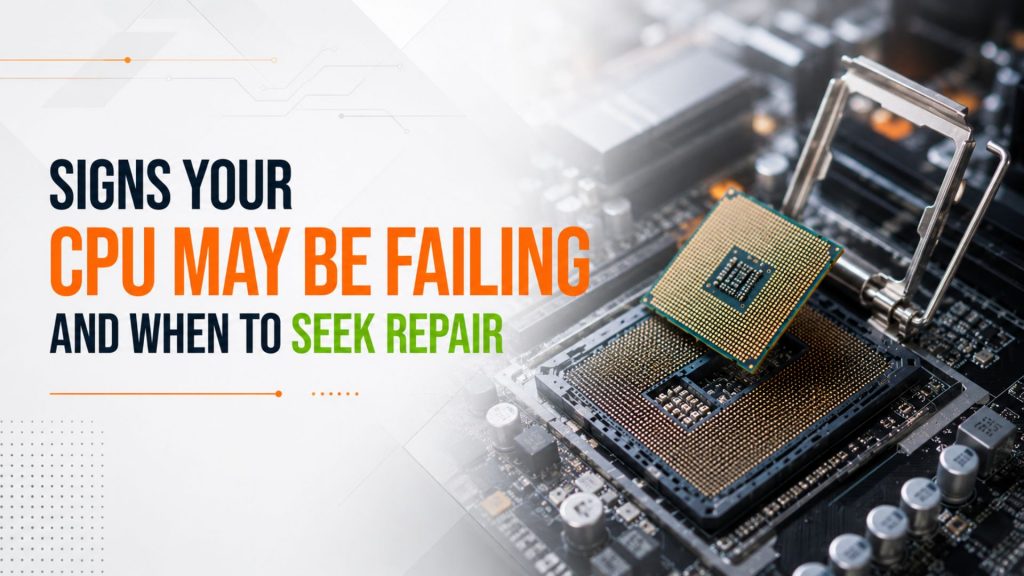
Key Symptoms: Signs Your CPU Is Failing
Many users wonder if a slow system means it’s time for a total replacement. Often, your computer will give you distinct warnings before the processor fails entirely. Look out for these critical red flags:
- Frequent Freezing and BSODs: If your system locks up completely or throws frequent Blue Screen of Death (BSOD) errors during basic tasks, your CPU may be miscalculating data.
- Boot Loops and POST Failures: Does your computer turn on, spin the fans, and immediately shut down? If it fails the Power-On Self-Test (POST), a damaged processor is a primary suspect.
- Extreme Overheating: If your computer fans sound like a jet engine and the system shuts down abruptly after a few minutes of use, the CPU is likely reaching critical thermal limits.
- Severe System Lag: When even opening a web browser causes 100% CPU utilization, the chip is struggling to manage standard operational instructions.
Diagnostics: Is It the CPU, RAM, or Motherboard?
Because computer components are deeply interconnected, a faulty motherboard or corrupted memory module can easily be mistaken for a bad processor. To help you self-identify the problem, use this diagnostic breakdown:
| Symptom | CPU Issue | RAM Issue | Motherboard Issue |
| Random Reboots / Freezing | (Frequent) | (During tasks) | (Intermittent) |
| BSOD Error Codes | (Hardware stop codes) | (Memory management) | (System exceptions) |
| Fails to POST / No Display | (Fans spin, no beep) | (Usually long beeps) | (Completely dead or loop) |
| Audio/USB Port Failure | (Rare) | (No) | (Common) |
Severity Scale & Immediate Actions
- Occasional Lag (Low Severity): Monitor temperatures. Clean out internal dust and check your task manager for rogue background software.
- Frequent Freezing (Medium Severity): Back up your data immediately. Run hardware diagnostic software or seek professional pc repair near you and computer repair technician nearby services.
- No Boot / Constant Crashes (Critical Severity): Stop trying to power on the system to avoid further electrical damage. Seek immediate professional diagnostic services.
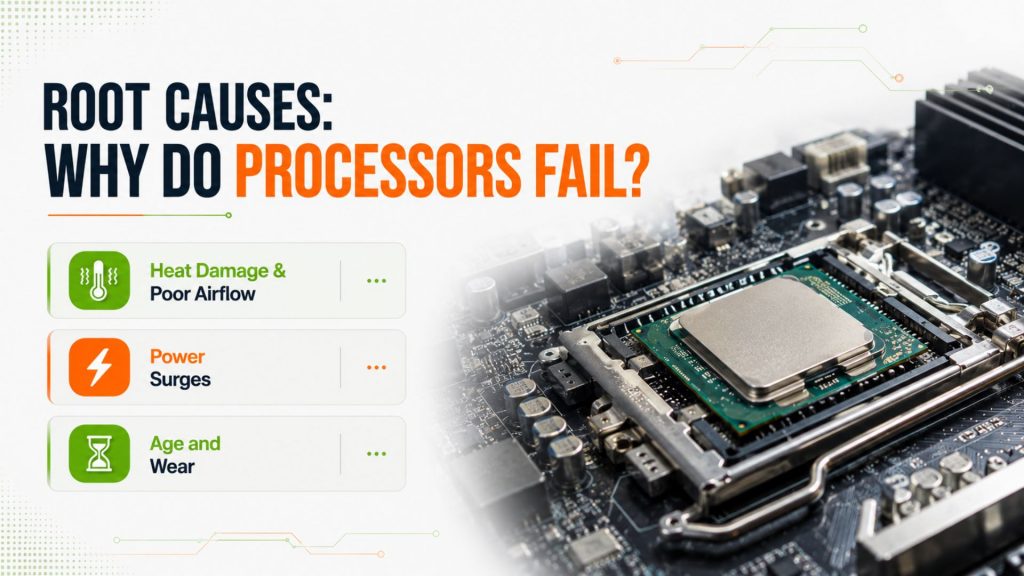
Root Causes: Why Do Processors Fail?
CPUs are remarkably resilient, but they are not immortal. Understanding what causes them to degrade helps prevent future issues:
- Heat Damage & Poor Airflow: Accumulated dust blocks heatsinks, causing thermal paste to dry up. This forces the CPU to run hot, drastically shortening its lifespan.
- Power Surges: Electrical spikes can fry the microscopic transistors inside the processor.
- Age and Wear: Heavy processing over several years, such as continuous video editing or heavy gaming, naturally degrades silicon over time.
The Decision: Repair vs. Replace
The best option depends on your specific system architecture. Because CPUs are rarely “repaired” at a component level, fixing a CPU problem usually means replacing the chip or addressing the underlying cooling system.
If your laptop or desktop features a socketed desktop processor, replacing just the CPU is highly cost-effective. However, many modern thin laptops feature soldered processors. In those cases, a CPU replacement involves exchanging the entire motherboard. If your machine is more than five years old, replacing the computer entirely may offer better long-term value than a costly motherboard swap.
Specialized Computer Repair in Houston
When dealing with complex micro-architecture, DIY troubleshooting can accidentally worsen the damage. Seeking out Houston computer repair experts ensures your hardware is handled safely.
Professional service centers bring distinct advantages to the table:
- Advanced Diagnostics: Isolating whether a fault lies in the CPU socket pins or the motherboard circuitry requires specialized diagnostic tools.
- Data Protection: Most hardware failures are accompanied by the risk of operating system corruption. Trusted Houston data recovery specialists can preserve your files before swapping hardware.
- Certified Technicians: Experienced professionals know how to handle delicate components, apply high-grade thermal compound, and configure BIOS settings properly.
Conclusion: Protect Your Investment
Ignoring early warning signs like random reboots or extreme heat will eventually lead to complete system failure. When your computer performance drops unexpectedly, relying on expert diagnostics saves time, protects your data, and eliminates the guesswork of hardware troubleshooting.
If you suspect your processor is on its last legs, don’t risk your valuable data. Bring your system to the certified technicians at We Fix PC Laptop for a transparent diagnostic, fast turnaround, and reliable repair solutions tailored to your needs.
Frequently Asked Questions
The total cost depends heavily on your device. A standard desktop CPU replacement generally ranges from $100 to $150 in labor, plus the cost of the new processor. For integrated laptop motherboards, costs vary based on the specific laptop model.
Yes! Your data is stored on your SSD or hard drive, not the processor. Even if the CPU is entirely non-functional, specialized teams can safely extract your data or move your drive to a healthy system.
Standard diagnostics usually take 24 to 48 hours. If a replacement processor or proprietary motherboard needs to be ordered, the entire turnaround time typically spans 3 to 5 business days.
A slow laptop is often caused by a failing mechanical hard drive, insufficient RAM, or thermal throttling. If the internal cooling system is clogged with dust, the CPU intentionally slows itself down to avoid overheating.
- Buttons Not Working? Quick Fixes and When to Book Service
- Houston Small Business Computer Repair: 2026 Guide
- Computer Repair Near Me vs. DIY Repairs: Which One Is Safer for Your Data and Hardware?
- CPU Repair Guide 2026: Can a Damaged Processor Actually Be Fixed?
- Computer Repair Houston: 10 Signs Your PC Needs Professional Repair Before It Fails Completely
- Depot Repair vs. On-Site Repair: How to Best Repair Any Computer in 2026
- Why Is My Laptop Suddenly Running Slow? 12 Problems a Computer Repair Technician Can Fix