• Apple MacBook Pro Display Replacement: Costs, Options

    Apple MacBook Pro Display Replacement: Costs, Options

    You open your MacBook Pro for a video call and find a spiderweb crack across the display. Or the screen flickers, shows vertical lines, or stays black while the machine continues running behind it. The urgent question is usually, “How much will this cost?” The more useful question is whether the repair will restore enough […]

  • How to Setup VoIP Phone System for Your Business

    How to Setup VoIP Phone System for Your Business

    A new VoIP rollout often starts with a simple complaint: calls sound choppy, customers repeat themselves, and staff blame the provider. The internet connection looks fast enough, the phones are brand new, and the installation seemed straightforward. However, the underlying issue may be a congested switch, poor upload performance, an interfering router feature, or a […]

  • Cost of Repairing MacBook Pro Screen: 2026 Guide

    Cost of Repairing MacBook Pro Screen: 2026 Guide

    Most MacBook Pro screen repairs land between $329 and $1,100+, depending on screen size, model year, and whether Apple or an independent shop handles the work. AppleCare+ can reduce the screen-damage service fee to $49, while newer and larger displays can push the bill toward the top of that range. You're probably looking at a […]

  • Logic Board MacBook Pro: Failures, Repair, and Costs

    Logic Board MacBook Pro: Failures, Repair, and Costs

    Your MacBook Pro was working normally yesterday. Today, it shows no chime, no keyboard backlight, and no image, even with a charger you know works. That silence makes a complete computer replacement feel inevitable, but a dead MacBook Pro doesn't automatically mean the logic board is beyond saving. The right decision starts with diagnosis, not […]

  • Dell Laptop Screen Broken? What to Do Right Now

    Dell Laptop Screen Broken? What to Do Right Now

    You close the lid after a normal workday and notice a dark crack running through the Dell logo. Or the laptop powers on, the fan spins, and the display stays black. If you searched “Dell laptop screen broken” because that is exactly what you're seeing, don't order the first replacement panel that looks compatible. The […]

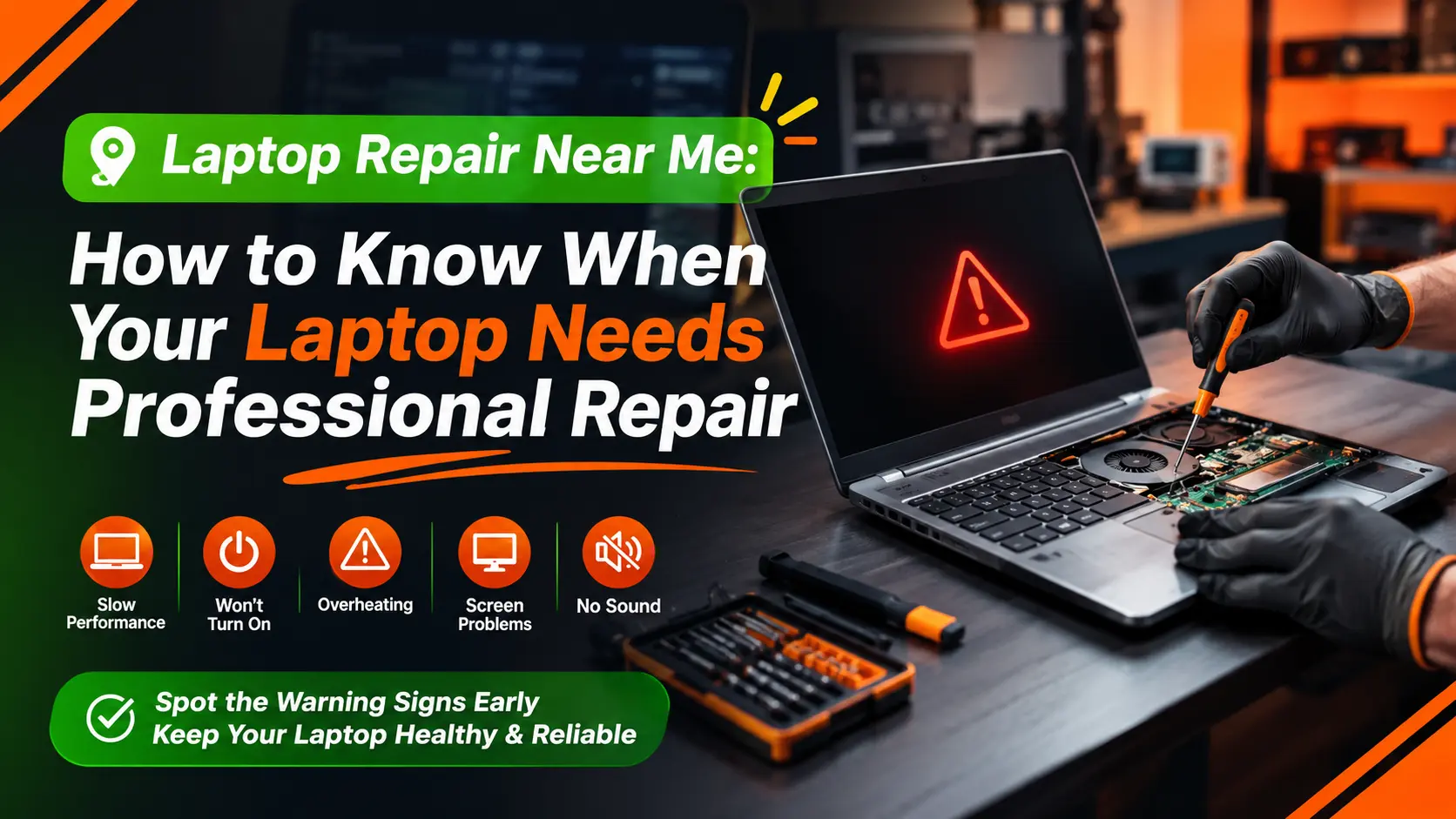
  • Laptop Repair Near Me: How to Know When Your Laptop Needs Professional Repair

    Laptop Repair Near Me: How to Know When Your Laptop Needs Professional Repair

    Long before a total component breakdown occurs, modern mobile computing devices exhibit subtle operational and physical warning indications. Device owners can take action before minor component stress develops into irreversible hardware degradation or permanent data loss by identifying indications like thermal throttling, localized chassis warmth, structural hinge movement, or persistent display abnormalities. When physical hardware […]

  • How to Clone a Hard Drive to SSD Without Losing Data

    How to Clone a Hard Drive to SSD Without Losing Data

    Your laptop has become painfully slow, the hard drive chatters during startup, and you've already bought an SSD that should make the machine feel new again. The tempting shortcut is to copy everything across, remove the old drive, and hope Windows starts normally. That's exactly where many migrations fail. Learning how to clone a hard […]

  • Replacing USB Ports: Complete Laptop Repair Guide

    Replacing USB Ports: Complete Laptop Repair Guide

    A laptop arrives at the repair counter with a USB-C cable that only works when it's held at one angle. The owner says the charger drops out, a flash drive appears only occasionally, and the docking station disconnects whenever the machine moves. Their first question is usually simple: “Can you replace the USB port?” Sometimes […]

  • Buttons Not Working? Quick Fixes and When to Book Service

    Buttons Not Working? Quick Fixes and When to Book Service

    You press a key and nothing happens. No click, no beep, no response. That dead moment can make a simple task turn into a full-on interruption, especially when the same symptom could mean dust under a keycap, a worn tactile switch, a disabled touch driver, or a software conflict that's blocking input at a deeper […]

  • Sticky Laptop Keys: How to Clean and Fix Them Safely

    Sticky Laptop Keys: How to Clean and Fix Them Safely

    You press the Space bar and it stays down for a beat too long. Enter feels gummy. A letter repeats even though your finger has already left the key. The natural reaction is to blame crumbs or a spilled drink, grab compressed air, and start lifting keycaps. That can work, but it can also turn […]