.svg)
.svg)
.svg)




How to Find a Reliable Local Computer Repair Shop
Finding good computer repair places near you is about more than just finding the closest store. You need to find a place that really knows how to fix computers, charges fair prices, and keeps your private files safe. Picking the right shop means your device gets fixed right the first time, and you do not have to worry about your personal data. Most people worry about hidden costs, long wait times, and privacy. This guide will show you exactly how to find a shop you can trust.
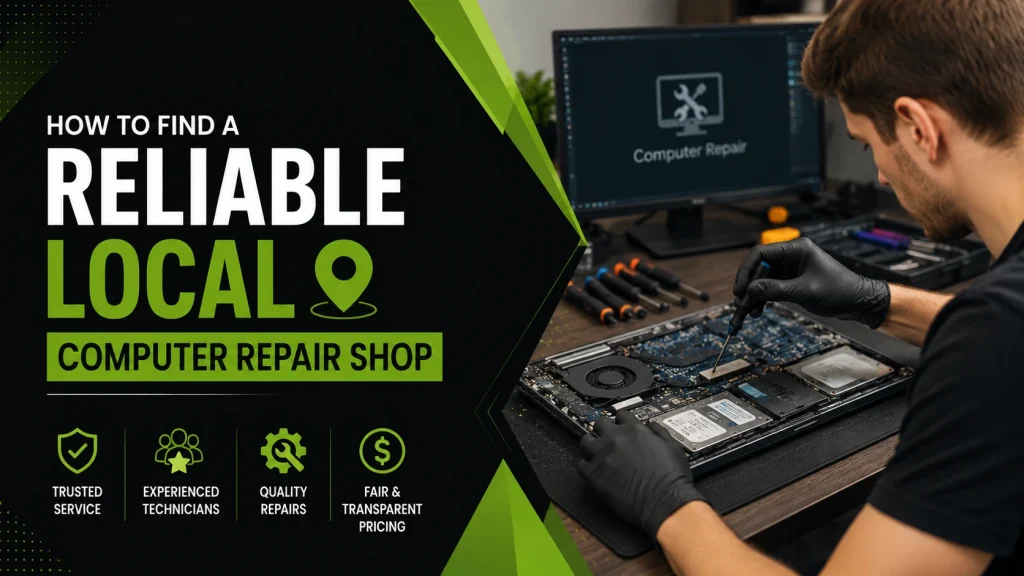
What Makes a Computer Repair Shop Reliable?
When you look for a nearby computer repair shop, you want a place that is good at technical work and honest with customers. A good shop employs workers who have real certifications, like CompTIA A+ or Microsoft certificates. They should also explain their testing process clearly.
Honest shops will not use confusing tech words to trick you. They will explain what is wrong with your machine in plain English and tell you the price upfront. This stops you from getting hit with surprise bills later on.
Common Mistakes and Warning Signs to Watch For
When searching for a computer repair close to you, do not just pick the cheapest option. Very low prices often mean the shop uses bad parts, has untrained workers, or does not offer any warranty. You might end up paying again a few days later if the same problem comes back.
Good Advice: Always ask for a written price estimate. Experienced tech workers say you should get a written agreement stating that the final bill will not be more than 10% higher than the estimate unless they call you first.
Other bad signs include a shop that has no real physical store, a shop that refuses to give a warranty, or a business that will not give your old, broken parts back to you.
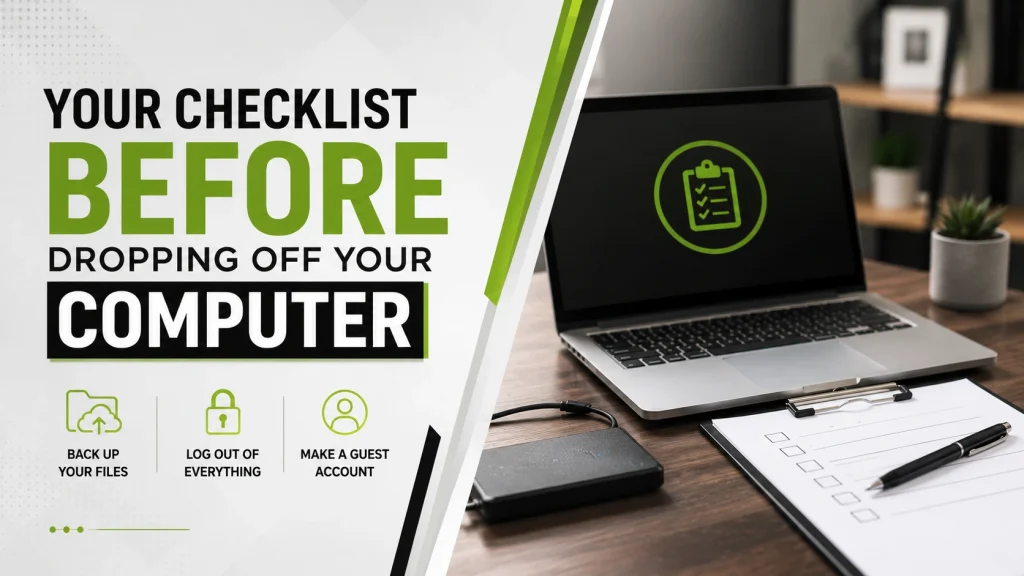
Your Checklist Before Dropping Off Your Computer
Leaving your laptop or desktop with a computer repair technician near you can make you feel uneasy about your privacy. You might worry if a tech will look at your private photos, passwords, or bank details. Before you hand over your device for any computer repair in near you, do these three things:
- Back up your files: Copy all your important files to an external hard drive or online cloud storage.
- Log out of everything: Sign out of your web browsers, password apps, and bank accounts.
- Make a guest account: Set up a temporary profile with no password so the tech can test the computer without seeing your private files.
Fix It or Replace It: Is It Worth the Money?
Before you pay for a computer repair near you, think about how old your computer is. The best choice depends on a simple rule: if fixing the computer costs more than half the price of a new one, and your computer is over four years old, it is usually better to buy a new machine.
However, sometimes a small upgrade is a great choice. For example, swapping an old hard drive for a fast solid-state drive (SSD) or adding more RAM memory can make a slow laptop feel brand new for a very low price.
Why Professional Service Matters
Choosing a professional computer repair shop near you means you get experts with the right tools to fix your hardware safely. Whether you need a detailed laptop computer repair services plan or need specialized help to find lost files, professionals keep your device from getting worse.
Good local experts finish most standard fixes in one or two days, so you can get back to work quickly. If you want a top-rated computer repair Houston, Texas service or need local help to recover data, picking a well-known local shop protects your money and your data.
Frequently Asked Questions
How much does computer repair cost?
Testing your computer to find the problem usually costs between $49 and $89. Often, this fee is taken off your final bill if you get the computer fixed there. Normal fixes like removing viruses or changing basic parts usually cost between $99 and $199 plus the price of the new parts.
How long do most repairs take?
Most good local shops can finish basic software cleanups, memory upgrades, and screen fixes in 1 to 2 business days, depending on whether they have the parts in stock.
Can files be saved from a broken computer?
Yes. Even if your computer will not turn on or had water spilled on it, a professional can usually pull your important files off the internal storage drive.
Should I repair or replace my computer?
Use the 50% rule. If the repair bill is more than half the cost of a new computer, and your device is already three or four years old, buying a new one is usually the smarter choice.
Do good repair shops offer a warranty?
Yes. Reliable shops protect their customers by offering a warranty on their work and parts, usually lasting between 30 and 90 days.
Conclusion
Finding the right local repair shop is not just about looking for the lowest price. It is about finding real tech experts who work fast, offer clear warranties, and respect your privacy. If your computer is slow, freezing, or needs an upgrade, reach out to We Fix PC Laptop today for friendly, professional computer repair services you can trust.
- Where Can I Get My Computer or Laptop Fixed Near Me? A Complete Guide to Finding the Right Repair Service
- Why Your Computer Keeps Freezing: Explore Technical Causes and Professional Repair Solutions
- Why Your Computer Won’t Start: Common Boot Errors Explained
- How to Choose a Reliable MacBook Repair Service Near You in Houston
- Best Computer Repair in Houston: What to Look For