.svg)
.svg)
.svg)




Your MacBook Acting Up? Here’s What’s Probably Wrong and What You Can Do About It
Do you use your MacBook frequently? Well, MacBooks are known for being reliable. However, they’re not immune to everyday issues. Over time, even well-maintained devices can slow down, overheat, or start behaving unpredictably, causing delays and frustration. The good part is that many common problems are easier to understand and fix than they seem.
Here’s a straightforward look at the most frequent MacBook issues, what you can do about them, and how professional MacBook repair services available near you can help.

5 Common Signs You Need MacBook Repair
1. MacBook Running Slow
A slow Mac is one of the most common complaints. It usually builds up over time rather than happening suddenly.
Why it happens:
- Too many apps are running in the background
- Low storage space
- Outdated macOS
- Startup items piling up
What you can do:
Start by checking Activity Monitor to see what’s using the most memory. Remove apps you don’t use, clear out unnecessary files, and update your system. Restarting regularly also helps more than people think.
2. Overheating Issues
If your MacBook gets hot quickly or the fan runs constantly, it’s a sign that something isn’t right.
Why it happens:
- Heavy apps like video editing or gaming
- Dust buildup inside the system
- Poor ventilation
- Background processes are using too much power
What you can do:
Use your Mac on a flat surface so airflow isn’t blocked. Close apps you don’t need. If the issue continues, it might need internal cleaning or a thermal check by a professional.
3. Battery Draining Too Fast
Battery problems show up gradually. You might notice your Mac doesn’t last as long as it used to.
Why it happens:
- Background apps draining power
- High screen brightness
- Aging battery
- System settings not optimized
What you can do:
Lower the brightness, turn off Bluetooth or Wi-Fi when not needed, and check battery usage in Settings. If the battery health is low, replacement is often the best fix.
4. Screen Problems
Screen issues can range from flickering to completely black displays.
Why it happens:
- Software glitches
- Physical damage
- Loose internal connections
What you can do:
Restart your Mac and check for system updates first. If the issue continues, it may need professional inspection, especially if there are visible cracks or display distortion.
5. Keyboard or Trackpad Not Working Properly
Unresponsive keys or a lagging trackpad can make even simple tasks frustrating.
Why it happens:
- Dust or debris under keys
- Software bugs
- Hardware wears over time
What you can do:
Clean the keyboard gently and restart your device. If the issue continues to bother, it could be a hardware fault that needs repair.
When to Fix and When to Replace
Not every issue means you need a new device.
In many cases, repairs like battery replacement, cleaning, or minor hardware fixes can extend your MacBook’s life by years. But if multiple components are failing or repair costs are too high, replacement might make more sense.
The key is getting the device properly checked at a MacBook repair store near you before deciding.
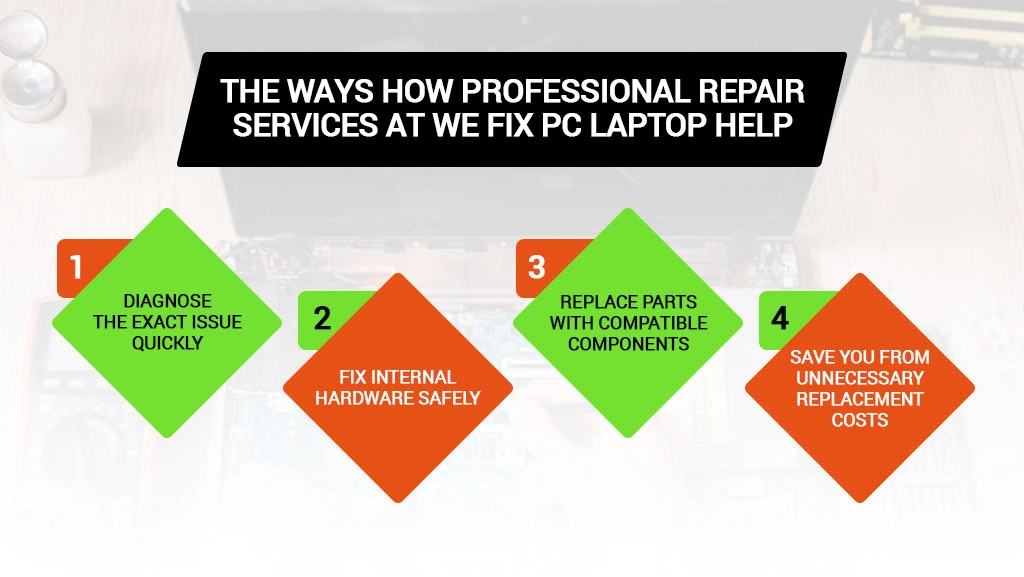
How Professional Repair Services at We Fix PC Laptop Help
While some fixes are simple, others need expert handling.
At We Fix PC Laptop, we offer reliable MacBook repair services that can:
- Diagnose the exact issue quickly
- Fix internal hardware safely
- Replace parts with compatible components
- Save you from unnecessary replacement costs
If your MacBook is overheating, shutting down randomly, or showing repeated issues, get it checked early with us to prevent bigger problems. We handle everything from screen and battery replacements to keyboard fixes and complex logic board repairs, using quality parts to restore your MacBook’s performance.
Our team also supports data recovery, helping you retrieve important files.
Final Thought
Most MacBook problems don’t appear overnight. They build up slowly, and if you catch them early, they’re usually manageable and less costly.
If you need help to keep your device running smoothly for much longer, don’t hesitate to book a MacBook repair appointment with us.
Frequently Asked Questions
It depends on the issue. Simple fixes like battery replacement can be done quickly, sometimes within a day. More complex repairs may take a few days.
If the problem is limited to parts like the battery, keyboard, or storage, repair is the most suitable option. But if there are multiple major issues, replacing the device might be more practical.
This usually points to background processes, dust buildup, or internal hardware strain. If basic steps don’t help, it’s best to get it checked before it starts affecting other components.
- How to Replace Keyboard on MacBook Pro
- How to Find the Best Notebook Repair Shop: The 2026 Expert Guide
- The Ultimate Guide to Laptop Repair: Restoring Performance and Data in 2026
- Depot Repair vs. On-Site Repair: How to Best Repair Any Computer in 2026
- Comprehensive Laptop Screen Repair Guide: 2026 Professional Solutions
- How to Navigate PC Repair in 2026: A Step-by-Step Guide to Saving Your Computer
- How to Choose a Reliable MacBook Repair Service Near You in Houston